
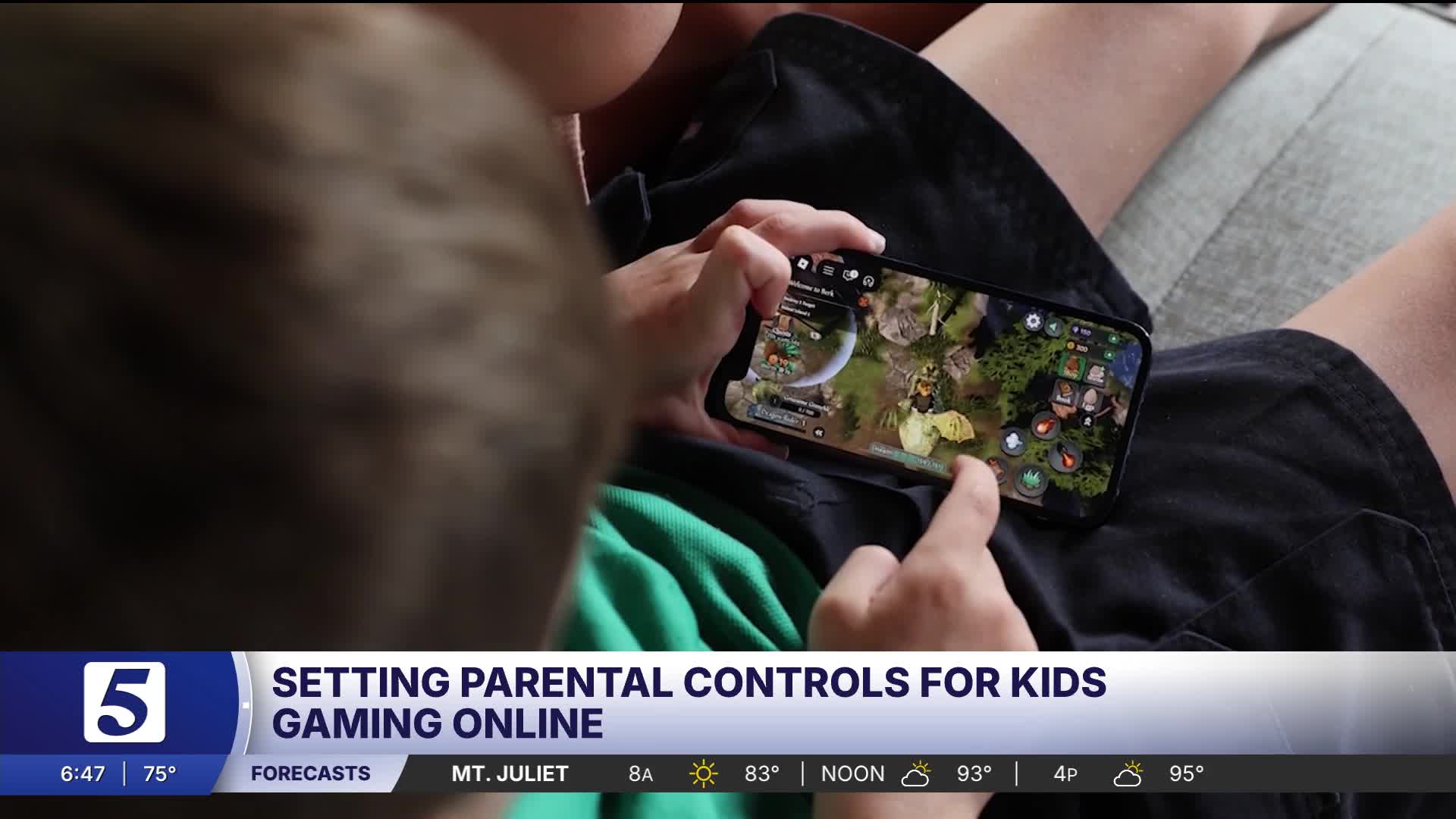


NASHVILLE, Tenn. (WTVF) — When kids go online, they’re not just watching videos or playing games—they’re navigating virtual worlds where they can talk to real people and spend real money. Consumer Reports says setting up parental controls can help prevent unauthorized purchases and create a safer online experience.
One grandmother learned that lesson the hard way. Lynne Ramsbottom’s grandson loves playing Roblox. Although the platform is free to play, he used her credit card to spend $2,000 on virtual clothing, accessories, and in-game upgrades.
“Instant panic!” Ramsbottom said. “How am I going to pay for this? How am I going to fix this?”
Consumer Reports says stories like this are becoming more common as games make it easier for children to buy virtual items without fully understanding that they're spending real money.
“What can be confusing for kids is that it doesn’t always look like they’re spending real money,” said Nicholas De Leon of Consumer Reports. “They’re buying in-game upgrades, or Robux, or Gems, or coins, or any of that type of thing. That extra step can make it difficult to make the connection that they’re making actual charges to their parents’ or grandparents’ accounts.”
Consumer Reports recommends that parents and grandparents take advantage of parental controls, which can limit spending and help manage a child's online activity.
Games like Roblox include parental controls that allow adults to restrict in-game purchases, but those settings are not turned on automatically. De Leon notes that because purchases can happen through the game itself, an app store, or directly through a phone or tablet, parents often need to enable protections in more than one place.
Fortunately, setting up parental controls only takes a few minutes.
On Apple devices, Family Sharing allows parents to manage app downloads, purchases, websites, and screen time. Android devices and Chromebooks offer similar features through Google's Family Link, while Microsoft Family Safety provides parental controls for Windows computers and Xbox consoles.
Consumer Reports says parental controls work best when they're combined with device settings, app settings, and ongoing conversations with children about online safety and spending.
Taking a few minutes to set up these protections today can help prevent costly surprises tomorrow—and help keep kids safer while they play online.

September 11, 2001 is a day most associate with terror and tragedy. Austin Pollack shares a story from that day about hope and persistence: the effort to save a little girl’s life – with an organ donation. The problem? The young patient was in Houston, and her life-saving liver here in Nashville. With the grounding of all civilian aircraft, how could it be done? “Nobody ever said this isn’t possible.”
- Rhori Johnston